Track your country's electricity prices
It's very easy to track and compare electricity prices in Estonia, Latvia, Lithuania, and Finland.

About Electrix
Estonia, Latvia, Lithuania and Finland are all part of Nord Pool's open electricity market, and each country has at least one price area. The exchange price of electricity changes throughout the day with supply and demand. That is why we created this small app: to show daily electricity price swings in volatile times.
Electrix's Key Features
Price by the hour
On our chart, you can easily see electricity prices by the hour in the 24-hour time frame. Since different countries have different laws regarding electricity VAT, all prices shown in our application are VAT-free.
Price by a specific timeframe
In addition to the 24h time frame, you can also set random intervals to check graphics and determine the selected period's average electricity price. For example, the whole week, month, etc.
Price by country
Compare electricity market prices across Estonia, Latvia, Lithuania and Finland, and see how they differ from country to country.
How to install the app
If you are interested in installing our Electrix app on your device, see below how to do that.
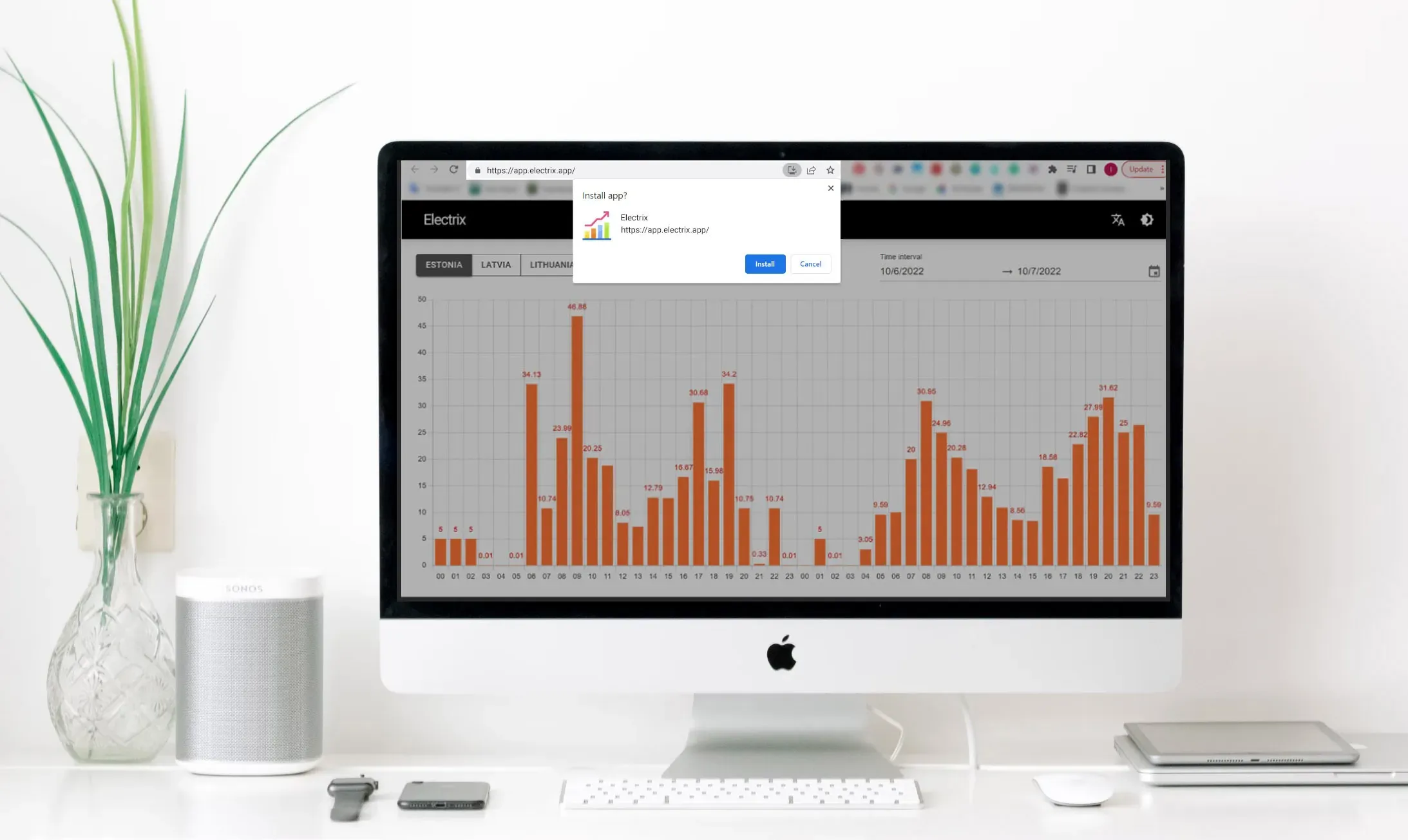
Install in the web browser on desktop or laptop
Open Electrix in Chrome on your computer. Click the install icon at the right end of the address bar, or open the browser menu (⋮) and choose Cast, save, and share → Install page as app. A small popup will appear, asking your permission to install the Electrix application. Press Install, and Electrix opens in its own window.
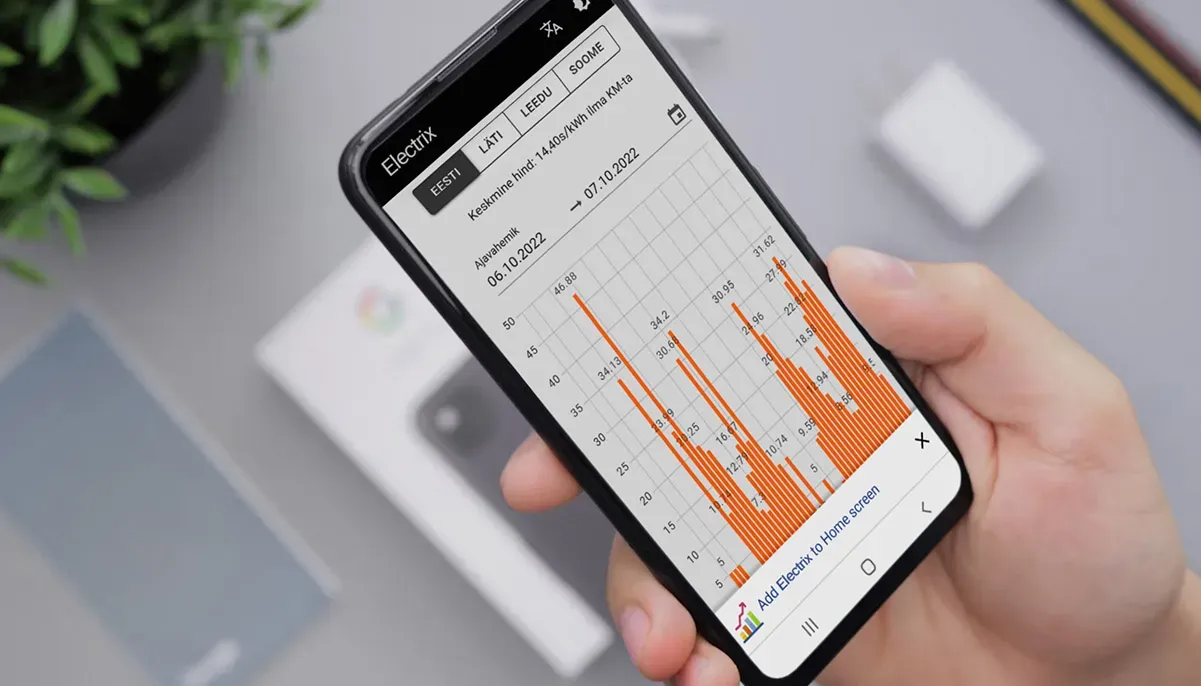
Install on Android phone
On an Android phone, open the Electrix webpage in Chrome. Tap the menu button (⋮) in the top right corner and choose Install app (on some phones it is called Add to home screen). Tap Install, and Electrix appears on your home screen.
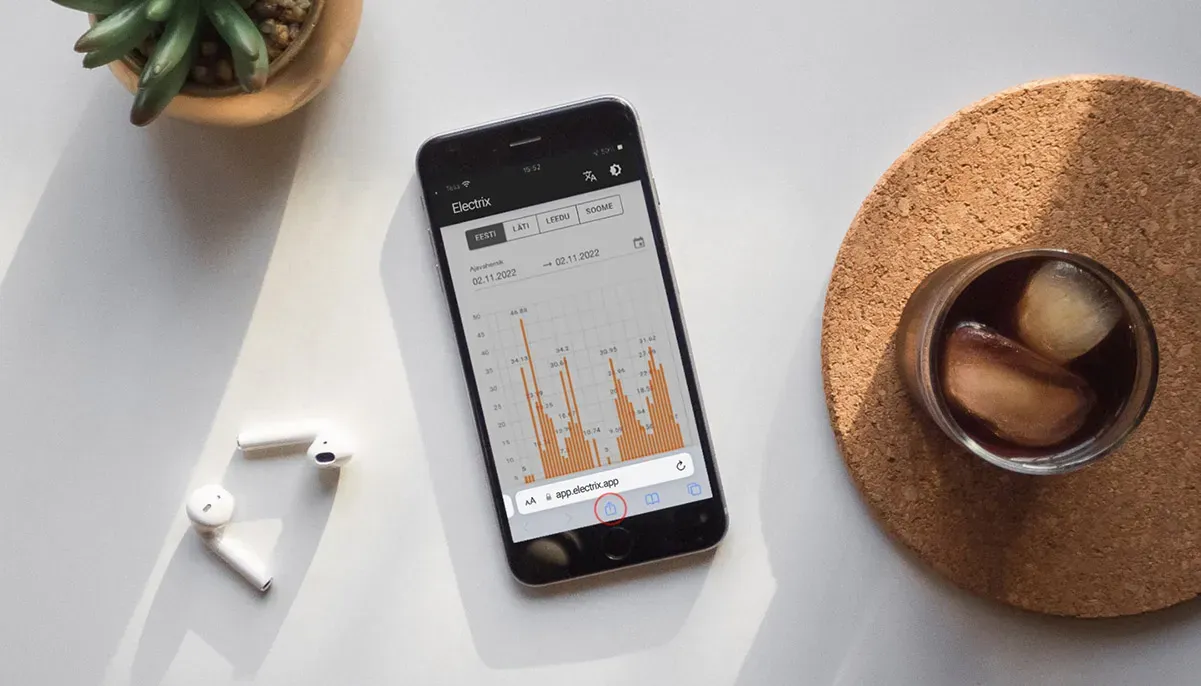
Install on iPhone
First, open the Electrix website in Safari. Tap the ⋯ button next to the address bar, then tap Share. Scroll down and select Add to Home Screen, make sure Open as Web App is turned on, and tap Add to finish installing our application.
Drop us a message
If you have any questions or suggestions, don't hesitate to contact us. We will get back to you as soon as possible.